ON THE TABLET
Use its own controls
The UK Safer Internet Centre says tablets have their own parental controls, for example to limit spending or restrict apps by age rating.
How to set up
 duotablet
THE SHARED FAMILY TABLET
SET UP ONCE share all year
For younger children, the tablet is the way online.
Ofcom's 2025/6 research found it is the most common device younger children use to go online, until phones take over at secondary school. A few minutes of setting up makes sharing one simpler and safer.
Updated
Check by ageTHE SHORT ANSWER
Three layers do most of the work.
None of them replaces talking.
ON THE TABLET
The UK Safer Internet Centre says tablets have their own parental controls, for example to limit spending or restrict apps by age rating.
How to set upON THE WI-FI
The four big UK internet providers offer free parental controls that filter content on every device connected at home.
Why filters are not enoughSIDE BY SIDE
Ofcom found 46% of parents use real-time supervision, such as sitting with their child or being nearby.
See the numbersTABLETS BY AGE
Pick an age group to see how many use a tablet to go online, as reported by their parents. The bar shows how common it is.
Parent-reported figures for the UK, 2025/6. Ofcom notes that trends are indicative because its methods changed.
TWO NUMBERS WORTH KNOWING
How many parents use device tools,
and how many supervise in real time.
77%
Parents using device management tools
77% of parents describe using device management tools, such as parental controls and screen-time limits on certain apps.
DEVICE TOOLS · OFCOM
46%
Parents supervising in real time
Sitting with the child, being nearby and checking their device is less common, at 46% of parents: 49% for 8 to 12s and 34% for 13 to 17s.
REAL-TIME · OFCOM
Ofcom also found that 16% of 13 to 17s say they know how to get around parental controls and age checks, although only 5% of all 13 to 17s said they had done so in the past 12 months.
FOUR STEPS FOR A SHARED TABLET
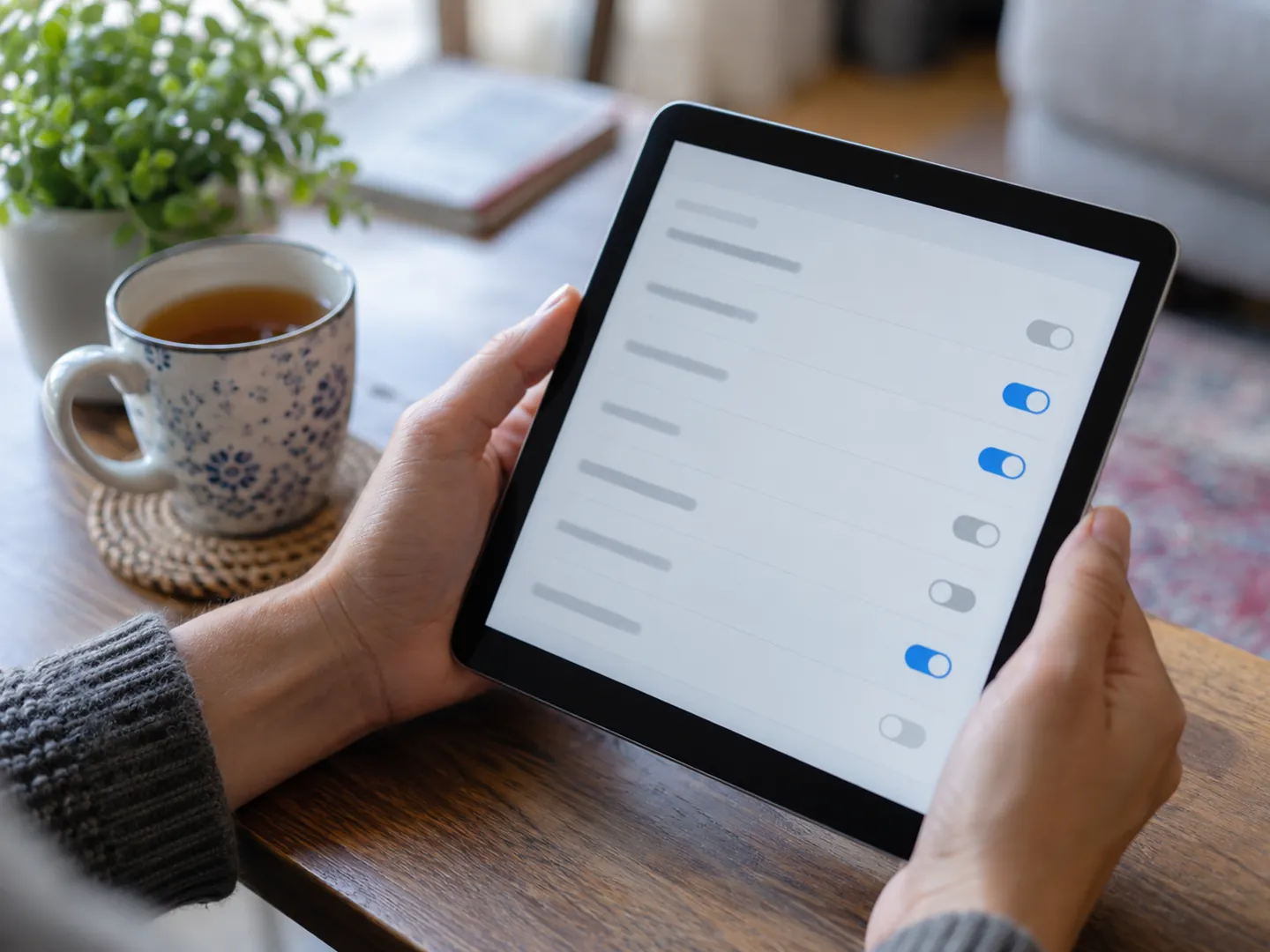
These steps use features most tablets and home broadband already have. They are about layers: the device, the Wi-Fi, the software and the people.
Use the built-in parental controls to limit spending and restrict apps by age rating, such as PEGI labels in app stores.
Activate your internet provider's free parental controls so filtering also covers the tablet at home.
The NCSC says updates fix known flaws. Check they are still enabled, and restart the tablet now and then so they install.
No filter is 100% effective. Make sure your child knows they can come to you if something online upsets them.
WHY FILTERS ARE NOT ENOUGH
The UK Safer Internet Centre says no filter or parental controls tool is 100% effective, and that many risks young people face online come from their own and others' behaviour. It advises talking to children about staying safe and making sure they know they can turn to you.
Out of the house, a tablet may join public Wi-Fi in a shop or cafe. The Centre suggests looking for the Friendly WiFi symbol, which shows the Wi-Fi has filters to limit access to pornographic content.
Questions
Very. Ofcom's 2025/6 research says the tablet is the most common device for going online for all younger age groups, with parents reporting that 77% of 8 to 9-year-olds use one.
Yes. The UK Safer Internet Centre says devices such as tablets, smartphones and games consoles have their own parental controls, for example to limit spending or restrict apps based on age rating.
The UK Safer Internet Centre says the four big UK internet providers give customers free parental controls that can be activated at any time.
The NCSC says updates often contain security patches that fix known flaws attackers can use. Automatic updates may only run on Wi-Fi, on power or after a restart, so it is worth checking they are working.
The NCSC says devices are supported for a limited time before they become obsolete, and advises replacing unsupported devices and software as soon as you are able.
Sources
ABOUT THIS NAME
duotablet.com is part of the DoodleSale portfolio. It isn't in an auction right now, but you can ask about leasing it.